


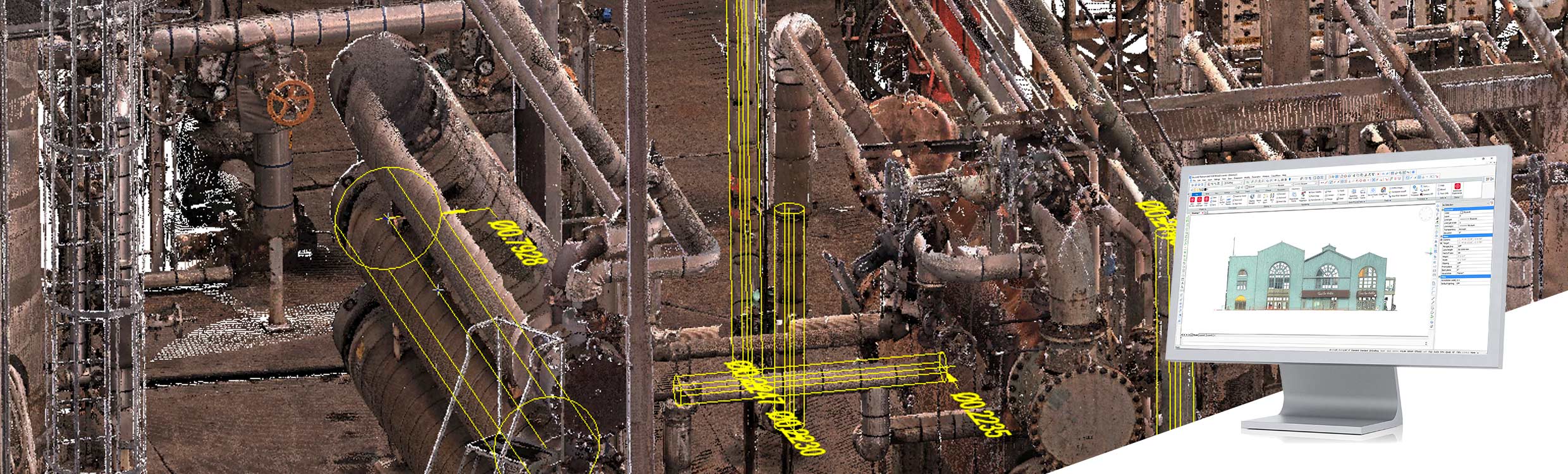
Leica CloudWorx for BricsCAD provides users with a way to start modelling or creating linework based on point clouds stored in Leica Cyclone or Leica JetStream directly within BricsCAD.
CloudWorx for BricsCAD brings significant time savings to companies of all sizes and enables users to work more efficiently and achieve results for professional use. Thanks to intelligent automation with suitable tools, the most common workflows become faster and easier.
-
- Automatic linework assistant
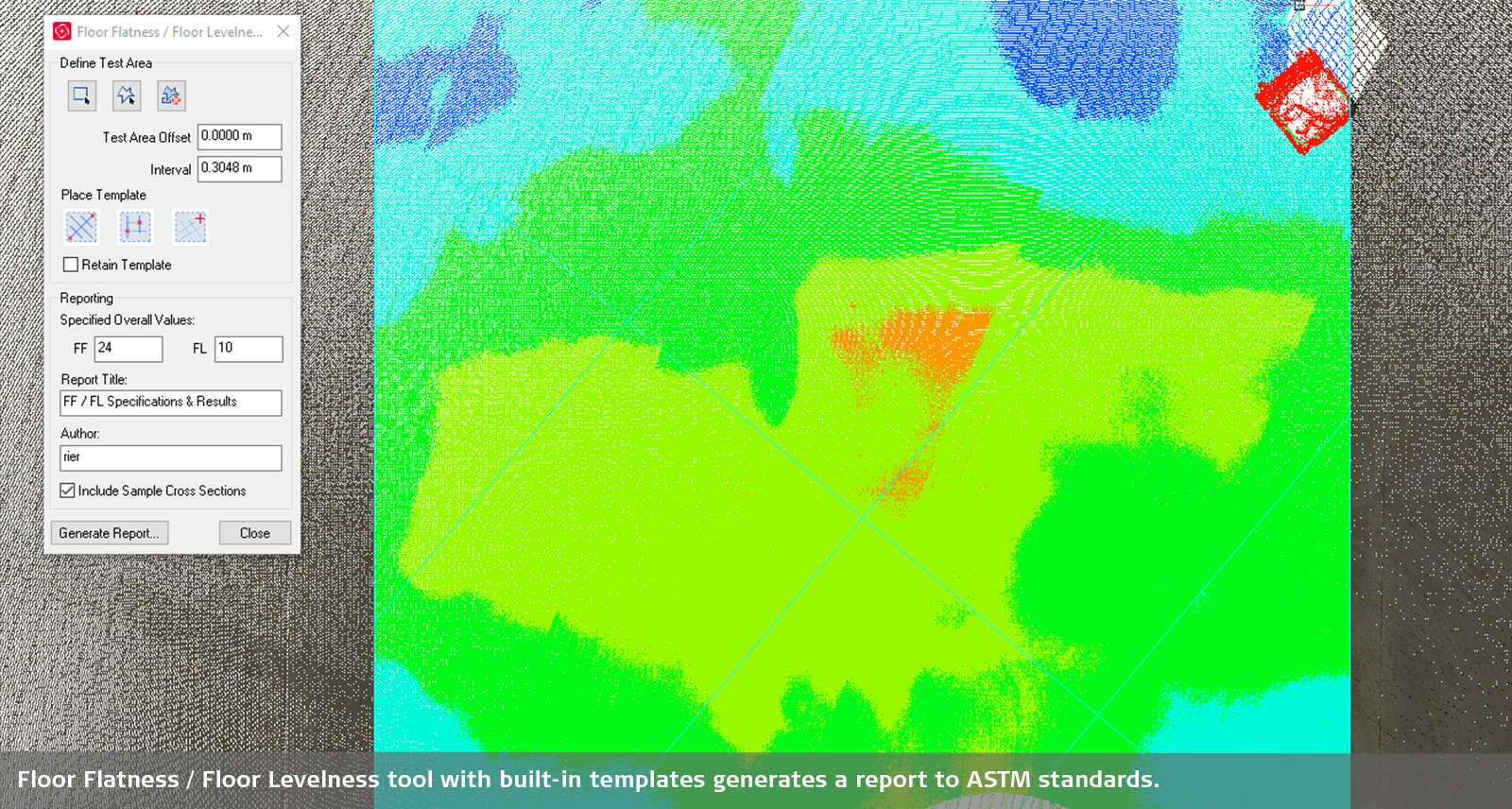
- Routines for capturing floor flatness/levelness
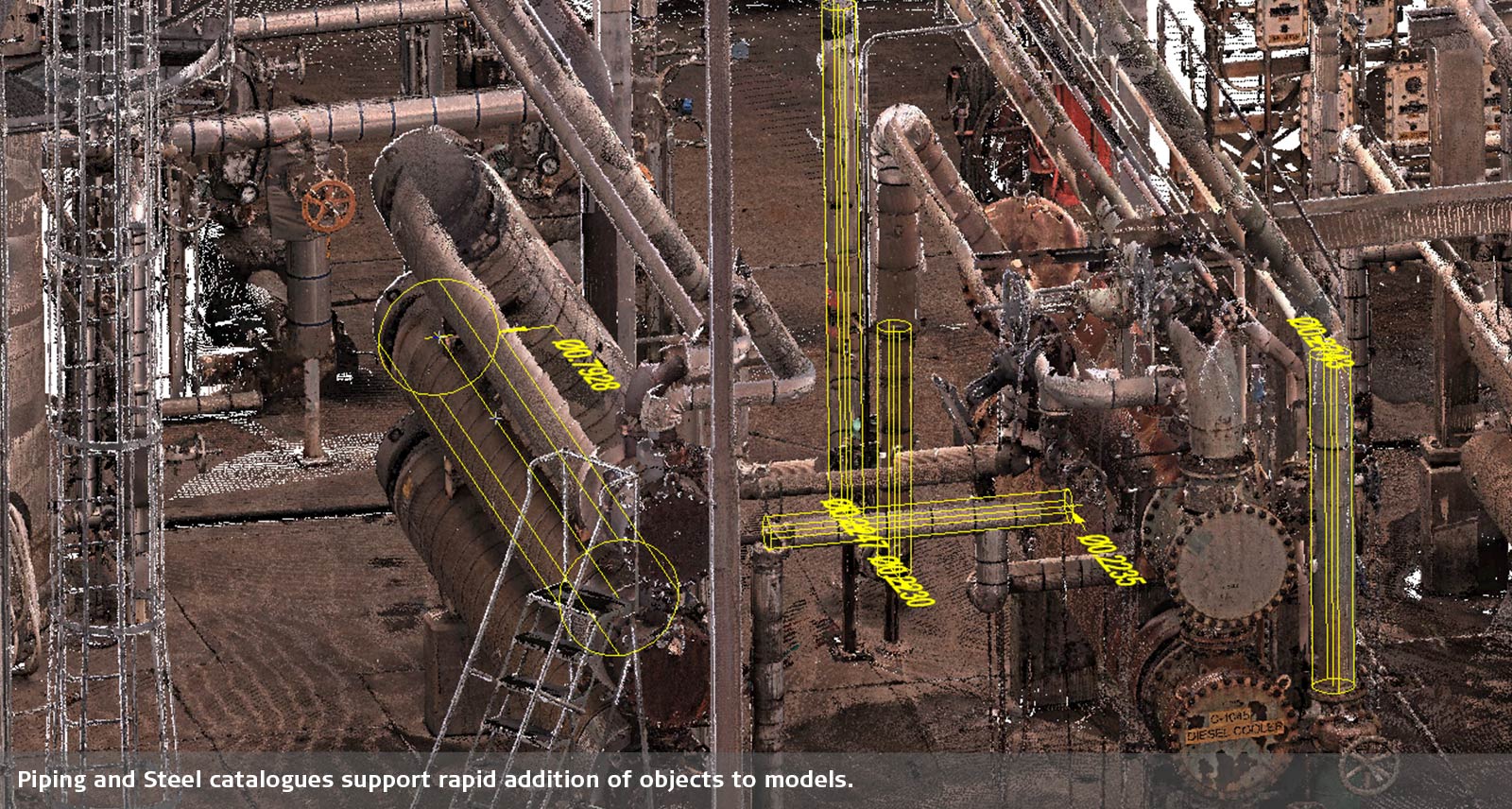
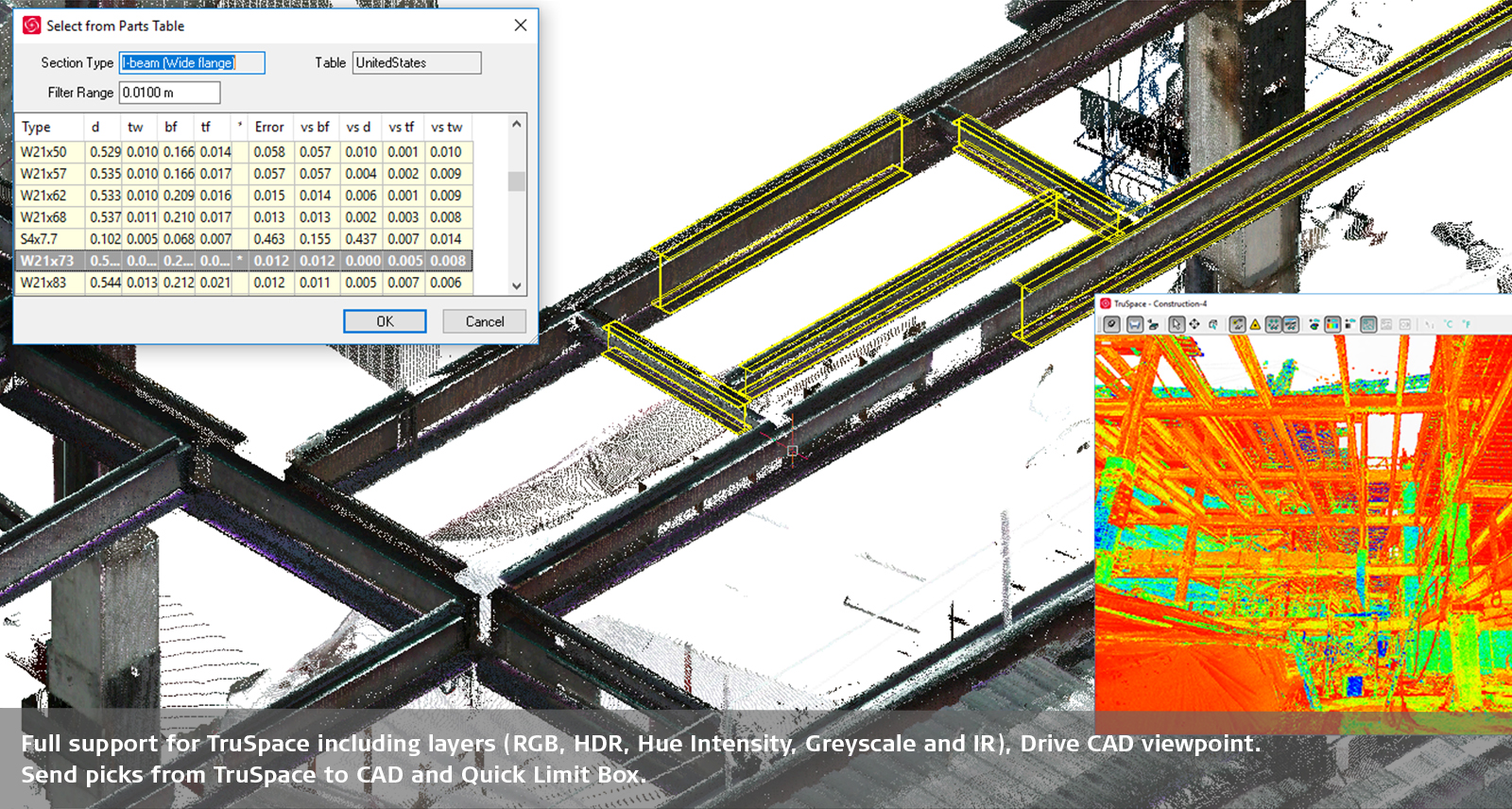
- Steel and piping catalogues, allowing objects to be efficiently integrated into a project
Professional Results
CloudWorx for BricsCAD includes a professional toolset with the full range of CloudWorx point cloud functions. These include:
-
- Automatic line tracing
- Integrated floor flatness/levelness reports according to ASTM standards
- Steel and piping catalogues for faster project completion
Simple Collaboration
In combination with Leica JetStream, CloudWorx for BricsCAD enables users throughout the office or at different locations worldwide to collaborate seamlessly on a project. Access saved clips and limit boxes and synchronise versions to avoid redundant, outdated data copies causing confusion and inefficiency.
Seamless Integration
Leica CloudWorx integrates seamlessly into BricsCAD, reducing the learning curve when working with point cloud data. In addition to the native tools in BricsCAD, you can access all the feature extensions of CloudWorx. Simply load a Cyclone or JetStream project or an LGS file and immediately start working on all your projects in BricsCAD.
InterCAD Workflows
CloudWorx users benefit from seamless project access across all CloudWorx product plug-ins. Work on CloudWorx project files that have been saved on any plug-in. This allows you to easily switch between programmes and access features that are only available in specific software.

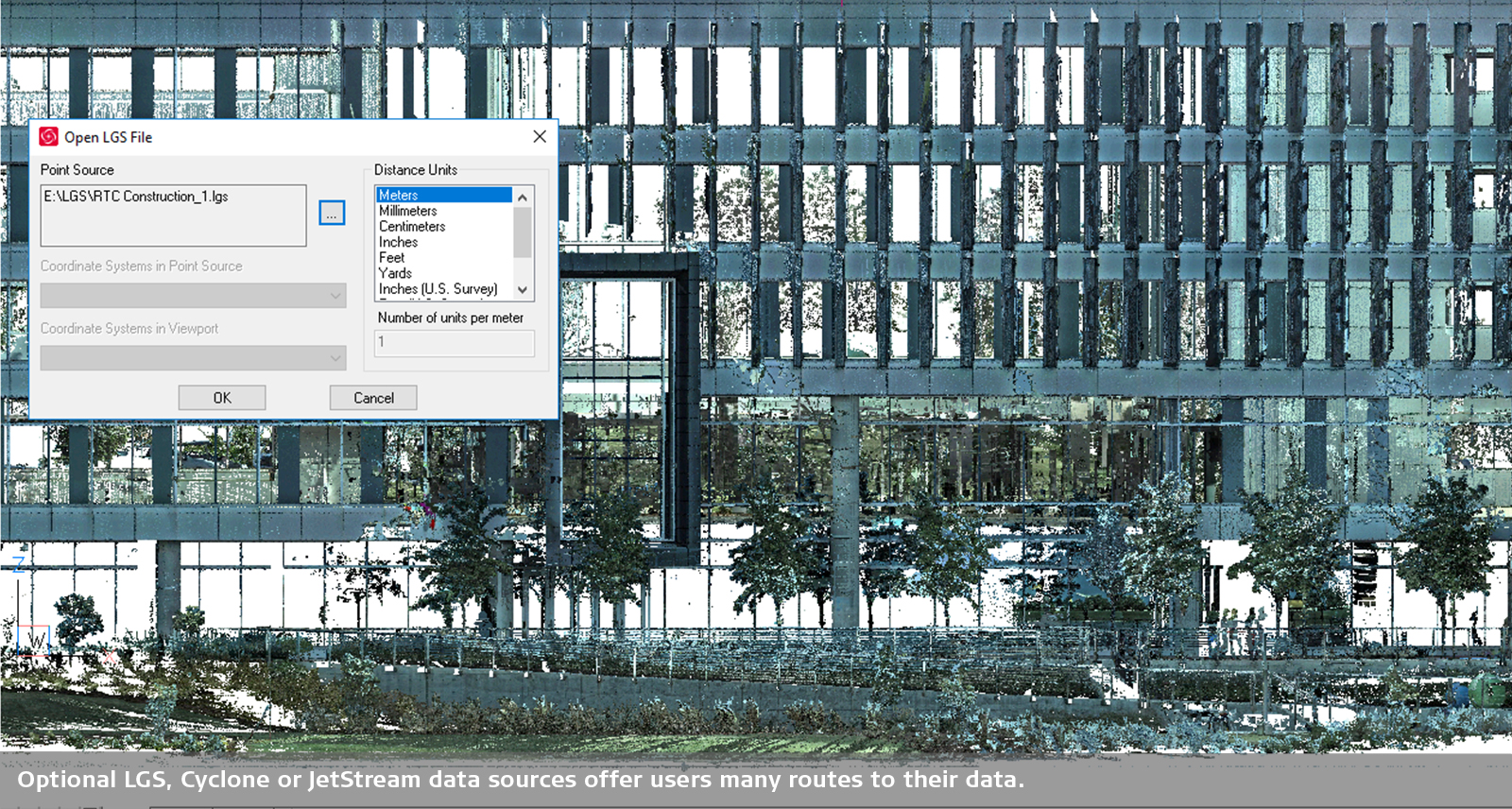
Leica CloudWorx for BricsCAD provides users with a route to start modelling or drafting based on point clouds stored in Leica Cyclone or Leica JetStream directly within BricsCAD. CloudWorx for BricsCAD brings significant time savings to companies of all sizes and enables users to work smarter, not necessarily harder, and to achieve results suitable for professional use. Thanks to intelligent automation with the appropriate tools, the most common workflows become faster and easier. CloudWorx Basic offers simple tools for viewing and working with sections from point cloud data. This allows you to: Import 3D scans and select visual styles Create 2D drawings more quickly Improve surveying workflows Seamless integration Leica CloudWorx integrates seamlessly into BricsCAD, reducing the learning curve when working with point cloud data. In addition to the native tools in BricsCAD, you can access all CloudWorx feature extensions. Simply load a Cyclone or JetStream project or an LGS file and immediately start working on all your projects in BricsCAD. To use CloudWorx, you also need a BricsCAD Pro licence (or BIM, Mechanical, Ultimate). If you do not have one, you can order the BricsCAD Pro licence as a separate product at the same time.

Leica CloudWorx for BricsCAD provides users with a route to start modelling or drafting based on point clouds stored in Leica Cyclone or Leica JetStream directly within BricsCAD. CloudWorx for BricsCAD brings significant time savings to companies of all sizes and enables users to work smarter, not necessarily harder, and to achieve results suitable for professional use. Thanks to intelligent automation with the appropriate tools, the most common workflows become faster and easier. CloudWorx Basic offers simple tools for viewing and working with sections from point cloud data. This allows you to: Import 3D scans and select visual styles Create 2D drawings more quickly Improve surveying workflows Seamless integration Leica CloudWorx integrates seamlessly into BricsCAD, reducing the learning curve when working with point cloud data. In addition to the native tools in BricsCAD, you can access all CloudWorx feature extensions. Simply load a Cyclone or JetStream project or an LGS file and immediately start working on all your projects in BricsCAD. To use CloudWorx, you also need a BricsCAD Pro licence (or BIM, Mechanical, Ultimate). If you do not have one, you can order the BricsCAD Pro licence as a separate product at the same time.