

|
Publication on Google Earth -New in V8- Export all or part of the objects in the visible layers of the drawing and their data to a KML or KMZ file Spatial Manager™ for BricsCAD includes a specific command to export all or part of the objects in the visible layers of the drawing and their data to a KML or KMZ file (Google Earth) with a single click. |
 |
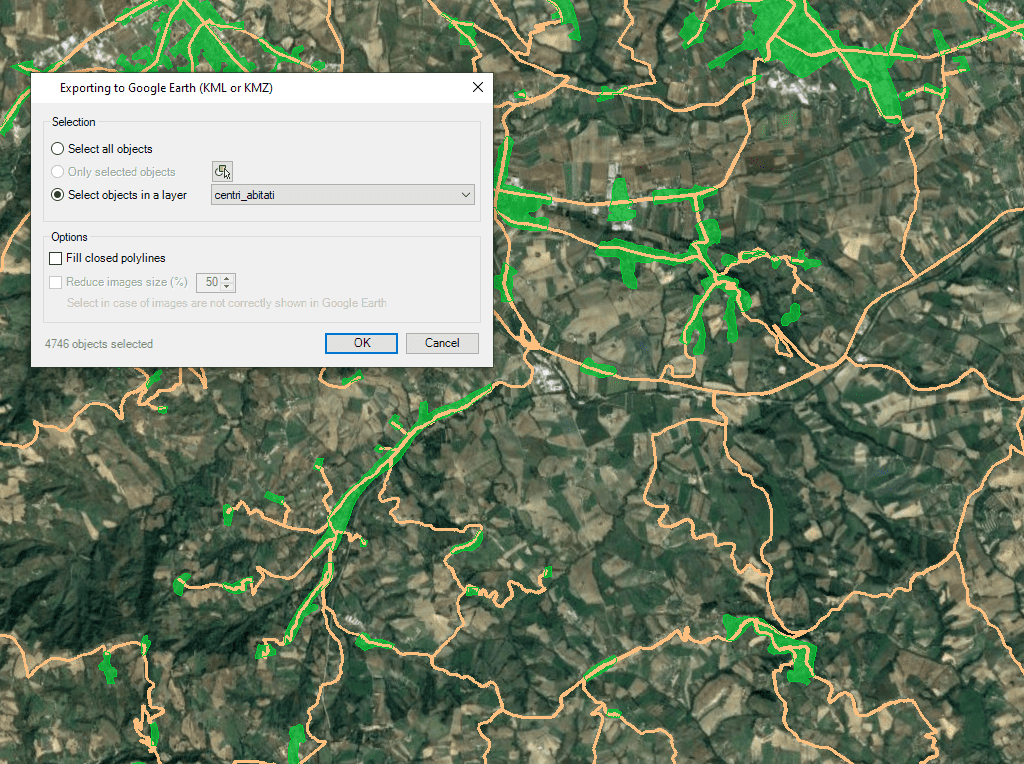
Quick Creation/Usage
Regardless of the app's advanced export functions, the user will find a dedicated tool to export objects in the visible layers of the drawing and their data, either wholly or partially, to a KML or KMZ file (Google Earth) with just one click. It is also possible to open the file directly in Google Earth (if installed).
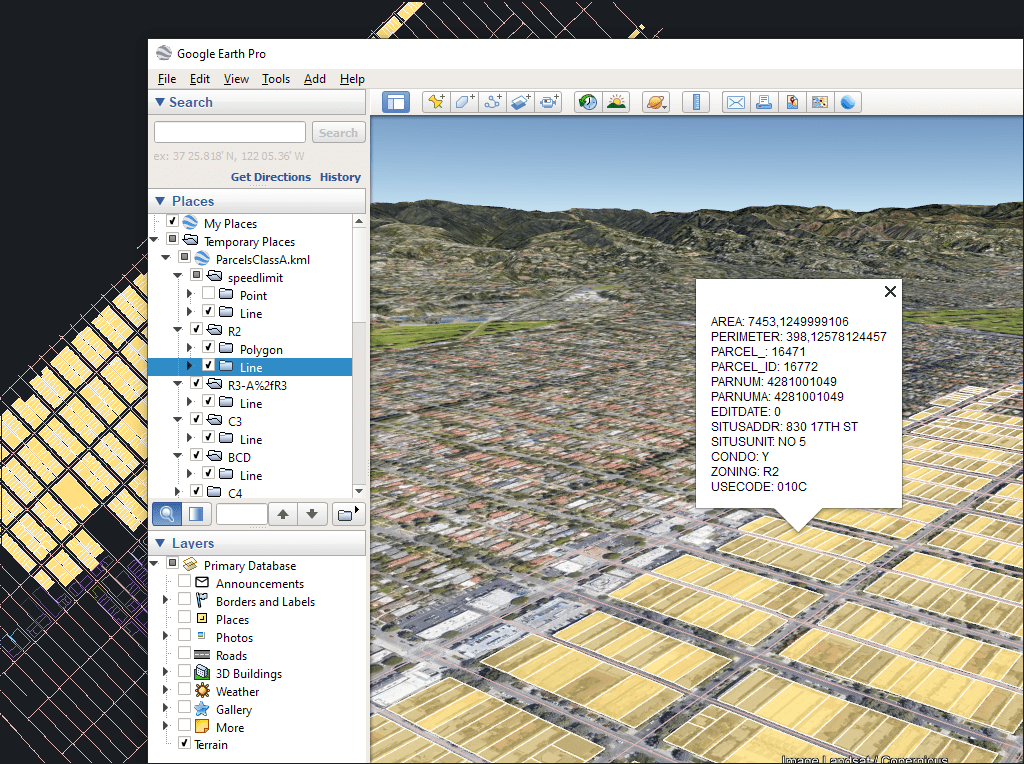
▶️ Clone the drawing
The process takes into account the current organisation of the layers and the properties of the layers and objects. The elements in the KML/KMZ file adopt the colours, weights, etc. of the objects in the drawing. For each layer, a subdivision is also created based on the object types in the layers.
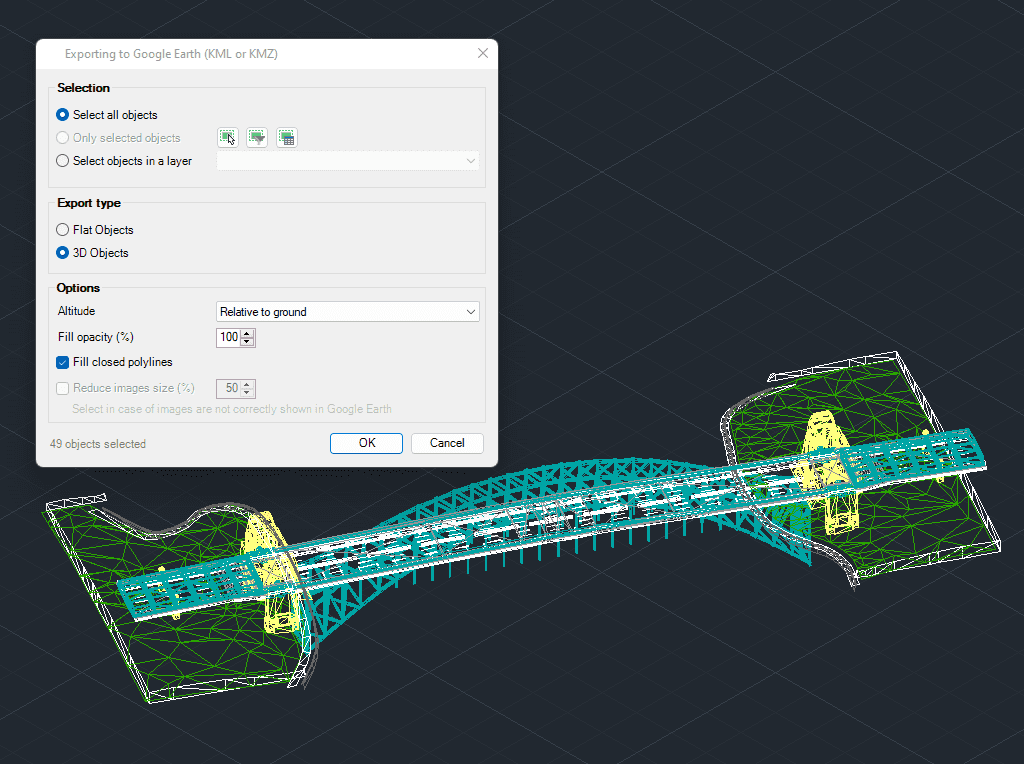
▶️ Exporting 3D objects (V8)
3D modelled objects are exported to Google Earth (KML/KMZ) in a very simple and intuitive way. Various height and altitude modes are available (relative to ground, sea floor, absolute...)


-Single User Version- Spatial Manager™ for BricsCAD is a powerful BricsCAD plug-in for BricsCAD users who need to import, export, convert and manage spatial geodata in a simple, fast and cost-effective way. This includes many features that were previously unavailable in BricsCAD. It is delivered as a compact app that runs within BricsCAD and enables the user to import and export spatial geodata between BricsCAD drawings and spatial geofiles, data servers or data stores, display background maps, manage alphanumeric data and data tables, create terrain models and contours, search for locations, convert coordinate systems and many other geographic functions. The Professional version includes: Importing geodata into BricsCAD Exporting geodata from BricsCAD Coordinate transformation Updated V9 Coordinate system for drawing conversion Background maps Updated V9 Publishing to Google Earth Thematic maps Data management, query and editing Data grid Field calculator Spatial analysis Drawing tools New V9 Image tools New V9 Location tools Google Street View integration Affine command New V9 Label objects Updated V9 Terrain Import tasks Multi-language option Perpetual licence Support/updates are included for one year