

|
Terrain Create terrain and other related objects (3D points, contours, etc.) from 3D data or elevation services With the Terrain Assistant in Spatial Manager™ for BricsCAD, BricsCAD users can create terrain and other related objects (3D points, contours, etc.) from 3D data (points, meshes, etc.) or from online elevation services |
 |
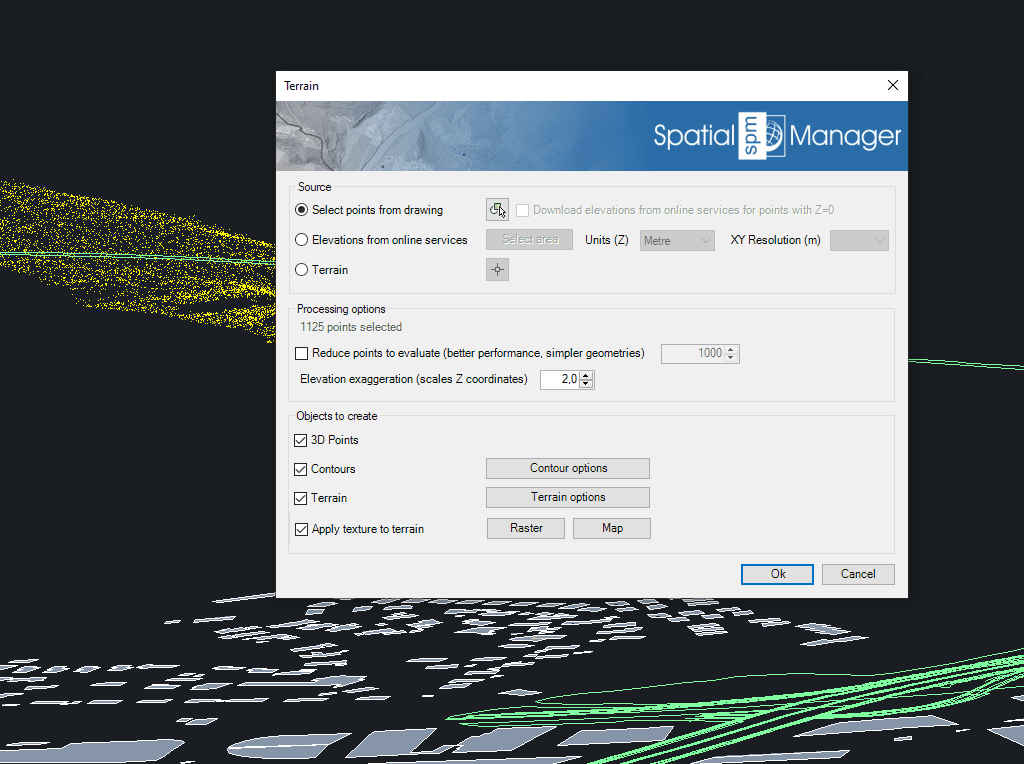
3D Points
Use points or blocks that have been selected in the drawing or created by elevation service providers in a selected area. You can also use already generated terrain as source 3D geometry.
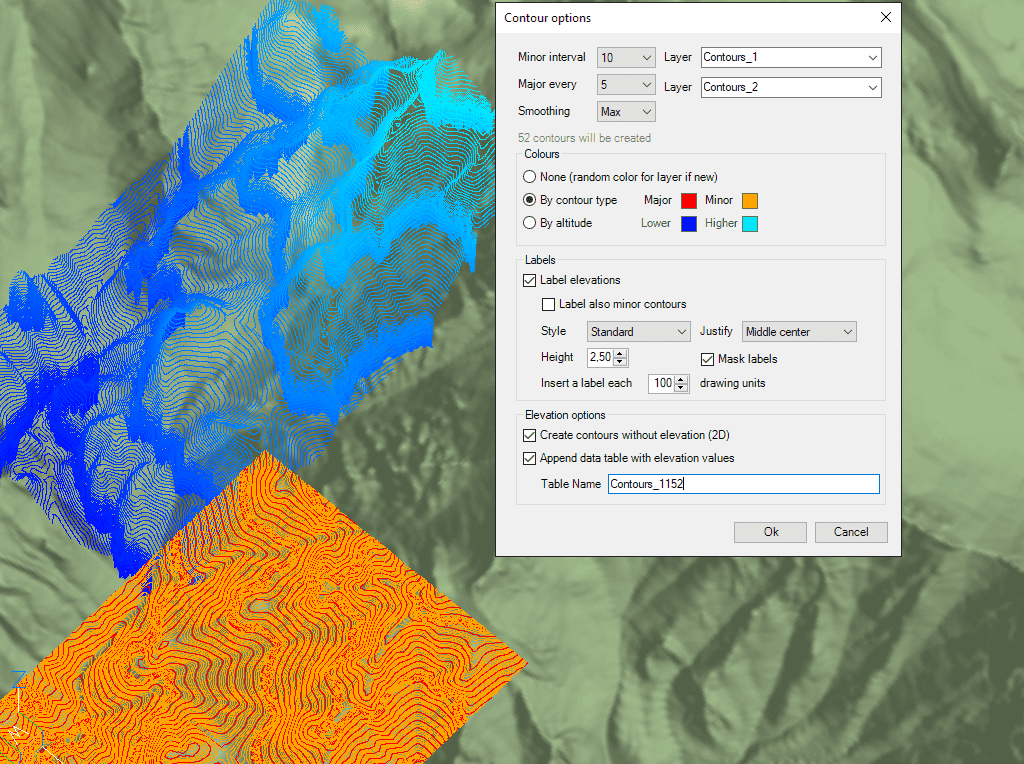
▶️ 2D or 3D Contours
Create small and large contours, label contour heights, separate them into different layers and different colour models. Optionally attached data tables contain contour height values and types.
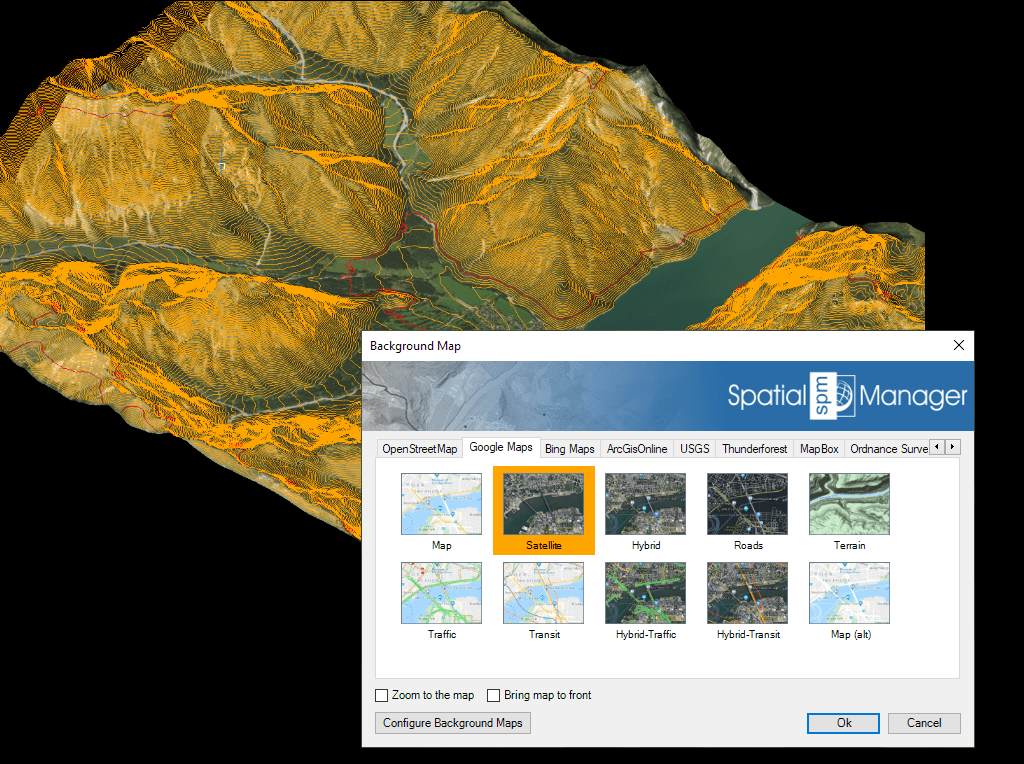
▶️ 3D Terrain
Generation of 3D models using 3D meshes or other CAD/BIM objects from the selected 3D objects
Automatic image projection and adjustment of a background map (preset or user-configured) onto one or more terrains at their actual location


-Single User Version- Spatial Manager™ for BricsCAD is a powerful BricsCAD plug-in for BricsCAD users who need to import, export, convert and manage spatial geodata in a simple, fast and cost-effective way. This includes many features that were previously unavailable in BricsCAD. It is delivered as a compact app that runs within BricsCAD and enables the user to import and export spatial geodata between BricsCAD drawings and spatial geofiles, data servers or data stores, display background maps, manage alphanumeric data and data tables, create terrain models and contours, search for locations, convert coordinate systems and many other geographic functions. The Professional version includes: Importing geodata into BricsCAD Exporting geodata from BricsCAD Coordinate transformation Updated V9 Coordinate system for drawing conversion Background maps Updated V9 Publishing to Google Earth Thematic maps Data management, query and editing Data grid Field calculator Spatial analysis Drawing tools New V9 Image tools New V9 Location tools Google Street View integration Affine command New V9 Label objects Updated V9 Terrain Import tasks Multi-language option Perpetual licence Support/updates are included for one year